Book a plant demo

STAWN Intelligent System

SI: the decision layer inside every STAWN system.

SI is how STAWN software turns shop-floor data into decisions. It is built into each system we develop, from the laser marker to the shipping desk.

SI

The SI loop

Capture. Validate. Decide. Learn.

  1. 01CaptureCodes, gauge values, images and inspection entries at the station.
  2. 02ValidateRules check every record against the program and master data.
  3. 03DecideOK, hold or reject, with the reason shown to the operator.
  4. 04LearnTrends and repeat defects surface on dashboards and alerts.

What SI delivers

Four results for your plant.

  • Accuracy

    Decisions follow rules and recorded data, so the same part gets the same verdict every time.

  • Time saving

    Checks run at the moment of the scan. Reports, labels and dashboards build themselves.

  • Cost effectiveness

    Problems are stopped at the station, before value is added or parts reach the customer.

  • Less human dependency

    Knowledge sits in the system. A new operator follows the same verdicts as an expert.

SI in every system

What works today, and what comes next.

We keep the two apart. The first column runs at customer plants now; the second is on our development roadmap.

SystemSI working todaySI roadmap
STAWN QCMS
  • Pending inspection worklist built automatically from inward data
  • Hold / release status computed from dimensional and lab results
  • Calibration due alerts before a gauge goes out of date
  • KPI tiles flag red when on-time delivery or yield slip
  • Trend alerts that predict a supplier quality drop
  • Natural-language search across reports and certificates
Pack Out / Ship Out
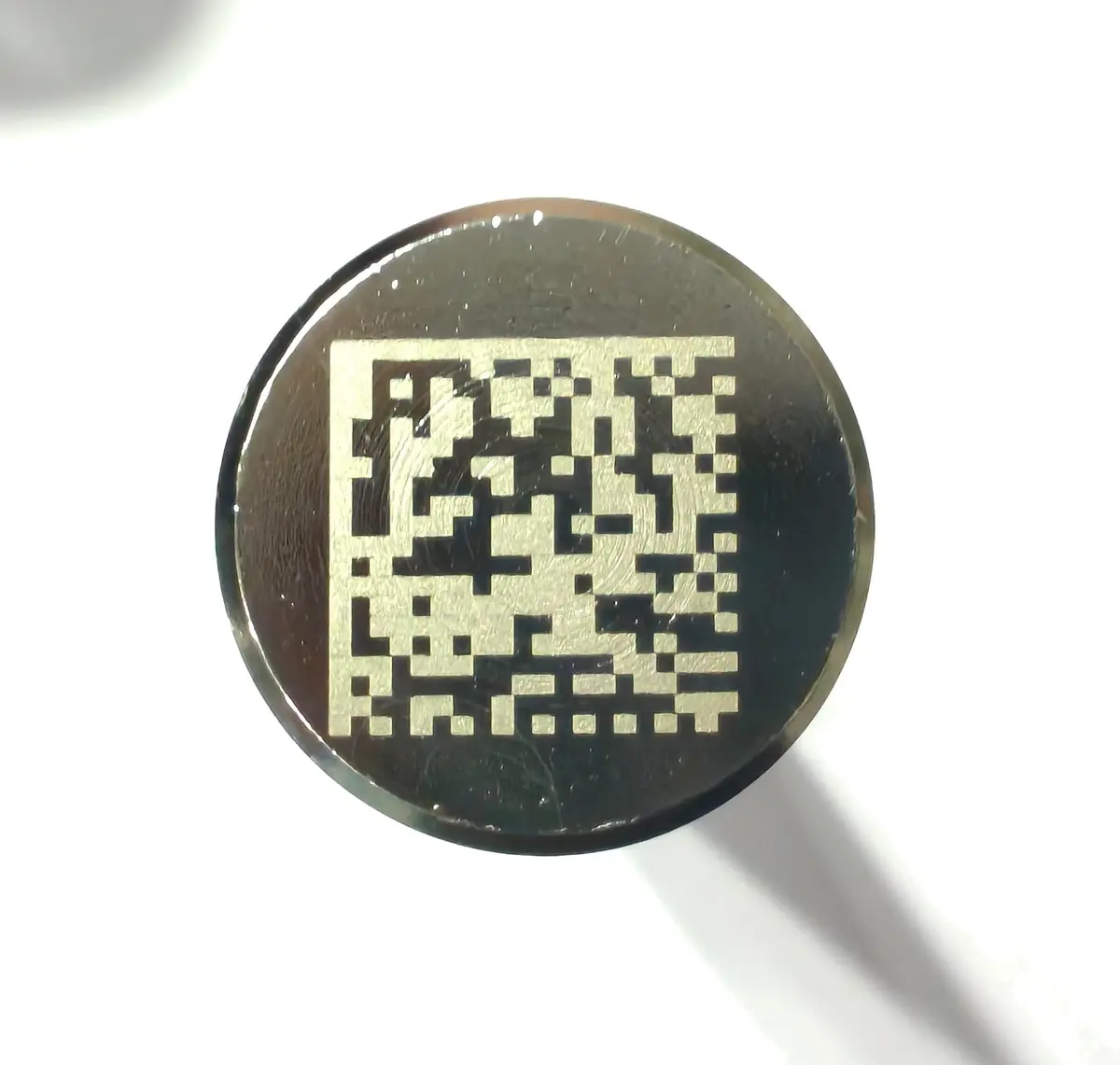
  • QR string split into fields and checked against the part program
  • Duplicate detection across the whole history, not just the open box
  • Laser machine checked against the approved list for that program
  • Gauge record lookup before a part is accepted
  • Visual surface verdict from STAWN Visuals Pro linked to the same QR
  • Andon alert to supervisor mobile on repeated rejects
Export Shipment Management
  • Coverage weeks calculated automatically from stock, transit and schedule
  • Shipments at risk highlighted in the coverage table
  • Next shipment date and quantity proposed from the plan
  • Demand change alerts from customer schedule revisions
  • Suggested container fill by part and due date
Laser Marking Control
  • Serial numbers generated and reserved centrally per machine
  • Duplicate serials blocked at source
  • Mark history searchable by part, date and machine
  • Code-grade check from STAWN Visuals Pro after marking
  • Laser health and output trend per shift
QR Product Sorting
  • Automatic classification by QR type
  • Duplicate detection with full-screen alert
  • Live counters for OK, damage, invalid and remaining
  • Camera-based dent and damage detection from Visuals Pro
  • Sorting rules learned from previous customer returns
STAWN Visuals Pro

In development

  • Trained vision model per part family
  • Automatic learning from confirmed rejects
  • Defect trend dashboard by shift and machine
STAWN Balloon Pro
  • Balloon numbering and characteristic list kept in sync
  • Report generated directly from the ballooned drawing
  • Automatic dimension and GD&T reading from the drawing
  • Suggested critical and major characteristic flags
STAWN Balloon QC
  • Characteristics carried over from Balloon Pro
  • Direct gauge and CMM data import
  • Automatic OK / NG per characteristic
STAWN PDF Pro
  • Offline processing: documents never leave the PC
  • Text extraction from scanned drawings
  • Table extraction from test certificates into QCMS
STAWN Office Pro
  • Templates for common plant documents
  • Document drafting assistance from QCMS data
STAWN Payroll
  • Attendance register built automatically from punches
  • Statutory deductions calculated per state rules
  • Anomaly alerts for missing punches and overtime spikes

Next in SI

STAWN Visuals Pro brings camera vision to the line.

Surface defects judged against master samples and linked to the part QR.

Visuals Pro

Concept design for reference. Visuals Pro is in development; screen, numbers and defect labels are illustrative.

Next step

See STAWN running on a real line.

Book a demo at a working plant, or send a drawing for a component quotation.